 OMGLoftClassic games. Real players.
How to play — Minesweeper
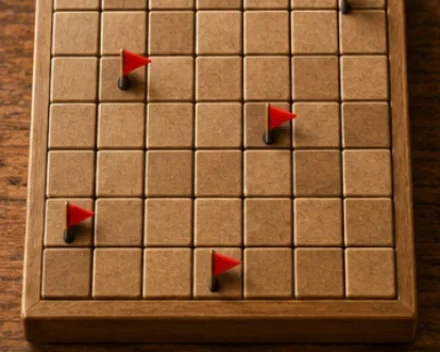
Minesweeper online — a free single-player game in your browser, no sign-up or download needed.
Show less
Your goal
Uncover every cell without a mine. You do not need to flag every mine to win. Revealing a mine ends the attempt.
Choose a board
Classic: 8×8 with 9 mines. Easy: 9×9 with 10 mines. Medium: 16×16 with 40 mines. Expert: 30×16 with 99 mines. Mines are placed randomly on the first reveal; that cell and its immediate neighbors are safe. Some positions may require a guess.
Numbers and empty cells
Click or tap a covered cell to uncover it. A number tells you how many mines touch it along an edge or corner, up to eight. A cell with no number has no neighboring mines and opens the connected empty area and its numbered boundary automatically.
Flags
Hold a covered cell with your finger or left mouse button for about half a second to place or remove a flag. An amber outline shows the hold progress. A short press uncovers a cell. You can also right-click. A flagged cell stays covered until its flag is removed. The counter subtracts placed flags from the mine total; it does not confirm that your flags are correct. You cannot place more flags than there are mines.
Quick reveal and keyboard
Once the number of flags around an uncovered number matches that number, click it to reveal its other neighbors. A misplaced flag can cause a mine hit. Arrow keys move focus, Enter or Space uncovers a cell, and F toggles a flag on the focused cell. Cells keep the same size when changing difficulty or rotating your phone. Scroll large boards with your finger or the scrollbars. Moving your finger cancels the hold.
Time and results
The clock starts with your first reveal. A win saves your time to a separate leaderboard for the selected mode; faster is better. Lost and unfinished attempts are excluded. The final board stays visible. Closing and reopening the game returns to the board selection screen.